Introducing Barcode Image Saver: Turn a Spreadsheet Into Thousands of Barcode Images in Minutes
By Apu Patra · Published 4 Aug 2026 · Updated 4 Aug 2026 · 4 min read
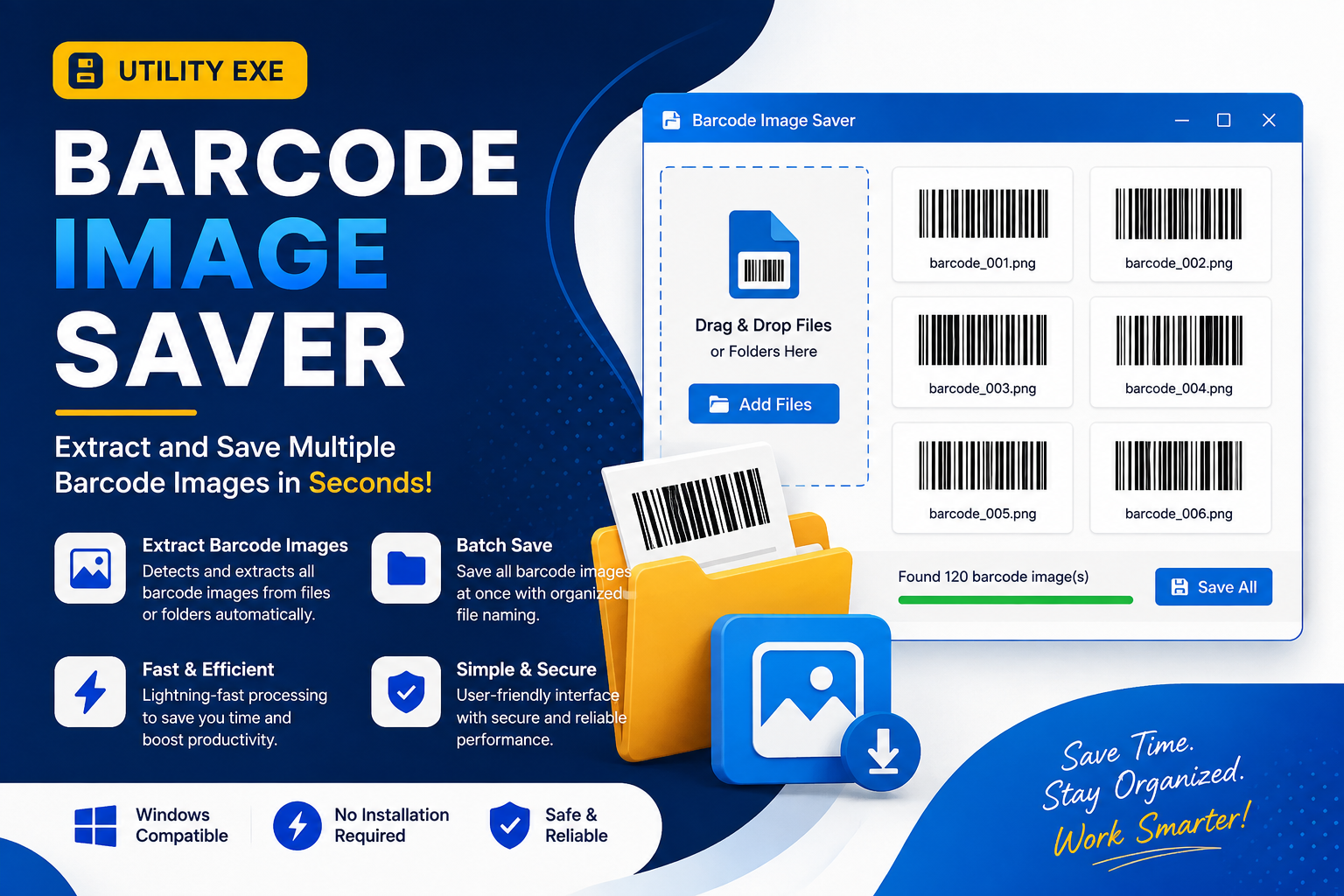
If you've ever had to generate barcode images for a product catalog, you know the usual options aren't great. Online generators make you create one barcode at a time. Design software wasn't built for bulk data. And writing a script yourself means handling edge cases you didn't know existed — until a leading zero disappears or a check digit doesn't match what's printed on the box.
Barcode Image Saver is a free Windows app built specifically to solve this: load a spreadsheet, pick the column with your codes, and get one barcode image per row — 10 rows or 10,000 — without any of that manual cleanup.
The problem with "just use Excel"
Barcode data looks simple until you actually work with it. A product code like 0012345678905 isn't just a number — it's a string of digits where the leading zeros matter. Most tools that read Excel files treat that column as numeric, silently strip the zeros, and hand you a barcode for the wrong value. Long UPCs fare even worse, sometimes converting to scientific notation like 1.2E+11.
Then there's the file itself. A CSV exported from a POS system or an older inventory tool isn't always plain UTF-8 — it might be Windows-1252, UTF-16, or something else entirely, with a delimiter that's a semicolon instead of a comma. Get that wrong, and you're generating barcodes for garbled text before you even notice.
Barcode Image Saver was built to handle exactly this kind of real-world messiness — every value is read as text, encoding and delimiter are auto-detected, and ragged or inconsistent rows are handled automatically.
What you can actually generate
The app supports eight barcode types, each validated against its real encoding standard rather than just drawn to look right:
- Code128 — the flexible default, accepts any text or digits
- Code39 — digits, A–Z, and a limited symbol set
- EAN-13 / EAN-8 — with the check digit calculated automatically
- UPC-A — same automatic check digit handling
- ITF — requires an even number of digits, enforced by the app
- ISBN — validated for the 978/979 prefix
- GS1-128 — supports application identifiers for supply-chain use cases
One detail worth knowing before a large print run: if your spreadsheet already includes a check digit, the app recalculates it to match the standard rather than trusting what's there. That means a typo in the last digit gets silently corrected — which is usually what you want, but it's worth checking the live preview against a known-good code first.
Output comes as PNG or SVG, with full control over width, height, DPI, margins, and label text — and bars and text always sit in separate bands, so nothing ever overlaps or gets cut off at any size.
Built for batches, not demos
Most barcode tools are demoed on ten rows and never tested past that. Barcode Image Saver was benchmarked on a 10,000-row workbook generating 500×200px images at 200 DPI:
- 0.6 seconds to load the workbook
- 76 seconds to generate all 10,000 images (~132 images/second)
- ~100 MB peak memory, flat for the entire run
- 6 milliseconds to respond to Cancel, with zero partial or orphaned files
Memory stays flat because images are written to disk as they're generated instead of being held in memory — the same reason the app handles 100 rows or 100,000 rows without slowing down partway through.
File naming that doesn't fight you
Once you're generating thousands of images, file names stop being an afterthought. Barcode Image Saver supports four naming modes — barcode value, row number, a combination, or any custom column from your spreadsheet — plus a token-based pattern for full control:
```
{Prefix}{Sep}{Barcode}{Sep}{AutoNumber}{Sep}{Suffix}
```
Every column in your source file is also available as its own token. Duplicate names get _1, _2, _3 appended automatically instead of silently overwriting a previous file, and this check even accounts for files already sitting in the output folder from an earlier run. File names fully support Unicode too, so বাংলা_001.png or 商品001.png come out correctly.
Try it before you commit to 10,000 rows
The live preview shows the exact image and exact file name you'll get, updating as you type. If your current settings can't encode the data, it shows a valid fallback sample and explains why — so you can fix the setup before running a batch, not after.
Get it
Barcode Image Saver is free, runs entirely offline on Windows 10 and 11 (32-bit and 64-bit), and doesn't upload your product data anywhere.
Download Barcode Image Saver →
Have a spreadsheet with a barcode column that doesn't fit neatly into one of the eight supported types, or a naming pattern you can't figure out how to build? See the full feature list here.