Why Your PDF Shows One Author in Explorer and Another in Acrobat
By Apu Patra · Published 6 Aug 2026 · Updated 6 Aug 2026 · 5 min read
You open a PDF, change the Author from "Microsoft Word" to your own name, and
save it. Acrobat now shows your name. You close it, go back to the folder, and
Windows Explorer still says "Microsoft Word."
Nothing is corrupted. You did not save to the wrong file. A PDF stores its
metadata in two completely separate places, and the tool you used updated only
one of them.
The two places
The Info dictionary
The older location is the Document Information dictionary, defined back in
the original PDF specification. It is a plain key-value object referenced from
the file trailer, holding eight standard keys:
/Title/Author/Subject/Keywords/Creator— the program the document was authored in/Producer— the program that generated the actual PDF/CreationDate/ModDate
Values are simple strings. Dates use a specific format that looks like
D:20260806143000+06'00' — the D: prefix, then year-month-day-hour-minute-
second, then a UTC offset with an apostrophe in the middle. Any program is also
free to add its own non-standard keys here, which is why you sometimes find
entries like /Company or /SourceModified sitting in a file.
The XMP packet
The newer location is XMP — Extensible Metadata Platform, Adobe's XML-based
metadata standard, later standardised as ISO 16684. It lives in a stream
attached to the document catalog and contains RDF/XML using several namespaces
at once:
dc:— Dublin Core, fordc:title,dc:creator,dc:description,pdf:— forpdf:Producerandpdf:Keywordsxmp:— forxmp:CreateDate,xmp:ModifyDate,xmp:CreatorTool
dc:subject
XMP is more expressive than the Info dictionary, and that matters more than it
sounds. dc:title is not a string — it is a language alternative array, so a
document can carry an English title and a Bengali title simultaneously.
dc:creator is an ordered sequence, so three co-authors are three distinct
entries rather than one string with commas in it that software has to guess how
to split.
Why both still exist
XMP was designed to replace the Info dictionary. In PDF 2.0 (ISO 32000-2), most
Info dictionary entries are formally deprecated, with only the creation and
modification dates still expected there.
Deprecated is not the same as removed. Two decades of software reads the Info
dictionary, and none of it stopped working when the spec changed. So virtually
every PDF in circulation carries both, and the ecosystem split along a
predictable line:
- Acrobat and most Adobe tools read XMP first, falling back to the Info
- Windows Explorer's PDF property handler reads the Info dictionary. So do a
dictionary when XMP is absent.
great many indexing tools, document management systems, and older library
software.
Two readers, two sources, one file. When the two sources disagree, you get two
answers.
How the mismatch gets created
The disagreement is almost always written by software, not by you.
A word processor exports a PDF and writes both layers correctly. Later, a
lightweight editor changes the title and writes only the Info dictionary,
because writing valid XMP means constructing RDF/XML rather than setting a
string. The XMP still holds the old title. Acrobat reads XMP and shows the old
title. Explorer reads the Info dictionary and shows the new one.
The reverse happens too. Some tools rewrite XMP and leave the Info dictionary
untouched, which is technically more spec-correct and still leaves half your
software showing stale data.
It gets worse in bulk. Run a hundred files through a converter, a scanner
output pipeline, and a compression tool, and each stage touches a different
layer. The result is a folder where metadata is inconsistent file to file, and
no single view tells you the truth.
How to see what is actually in there
Before fixing anything, look at both layers. Explorer's properties panel is not
enough — it only ever shows you one side of the argument.
You want a tool that displays the raw XMP packet next to the Info dictionary
entries, so you can see which fields disagree and which are simply empty. Empty
matters: if dc:title is absent entirely, Acrobat falls back to /Title and
everything looks fine, right up until someone runs a tool that populates XMP
with a placeholder.
Fixing it
The fix is straightforward once you know what you are dealing with: write both
layers in the same operation, every time.
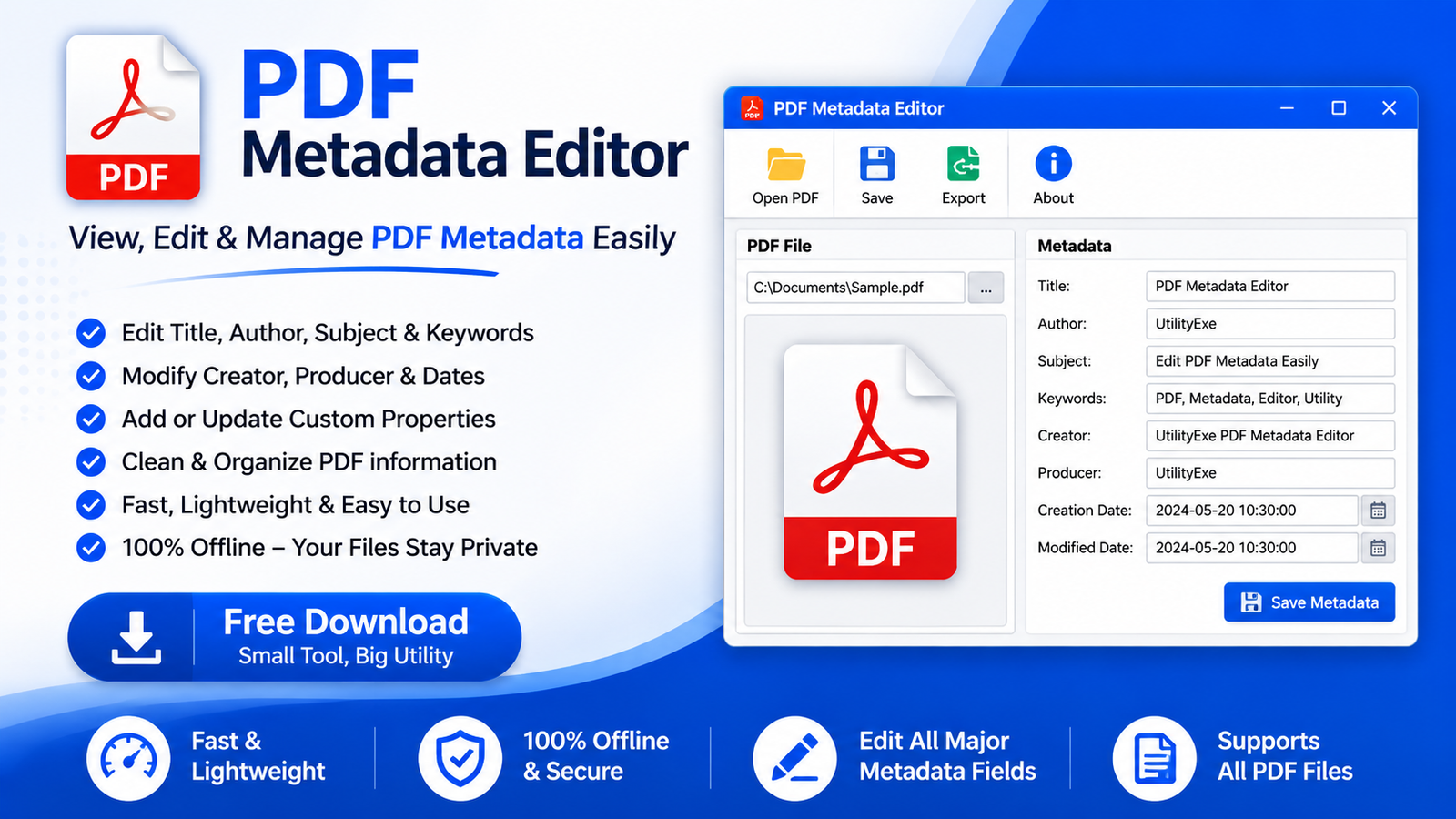
That is the design principle behind PDF Metadata Editor.
Every save writes the Info dictionary and the XMP packet together, so Acrobat,
Explorer, and whatever indexing software your organisation runs all read the
same values. It shows both layers side by side while you edit, so you can see
the mismatch before you fix it and confirm it is gone afterwards.
For a folder rather than a file, there are two practical approaches:
Apply one set of values to everything. If a hundred scanned invoices should
all carry the same Author, Company and Copyright, set the fields once and batch-
apply. Each file is written with both layers updated, and the run reports every
file that failed and why.
Export, edit in a spreadsheet, import back. For files that each need
different values, export the metadata to CSV or Excel, work in the spreadsheet
where formulas and find-and-replace do the heavy lifting, then import. Rows are
matched back to files by full path or by filename.
Both are free and run entirely on your machine — no upload step, which matters
if the documents are contracts or medical records.
Two things worth knowing before you edit
Dates are separate from the rest. Most tools silently stamp the current time
into /ModDate and xmp:ModifyDate on every save. If your archive relies on
modification dates being meaningful, that quietly destroys them. Choose a tool
that lets you keep the original dates while changing other fields.
Signed PDFs will break. A digital signature covers the file's bytes, and
metadata is part of the file. Any metadata edit invalidates the signature. This
is the signature standard working correctly, not a bug — finalise metadata
first, sign afterwards.
The short version
A PDF keeps two copies of its metadata. Acrobat reads one, Explorer reads the
other, and most editors update only one of them. If the same file is telling two
programs two different stories, that is why — and the fix is a tool that writes
both.